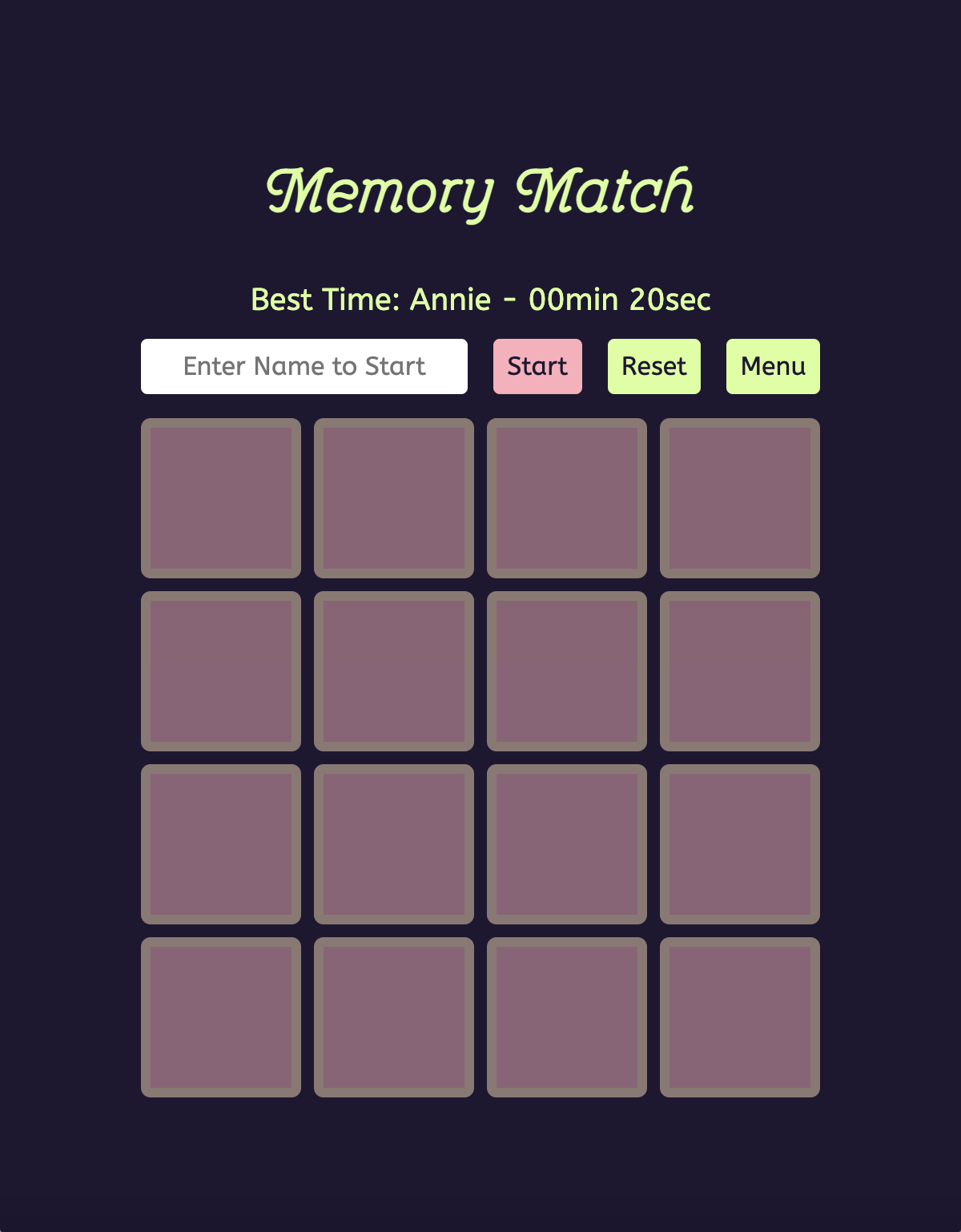
Memory Match
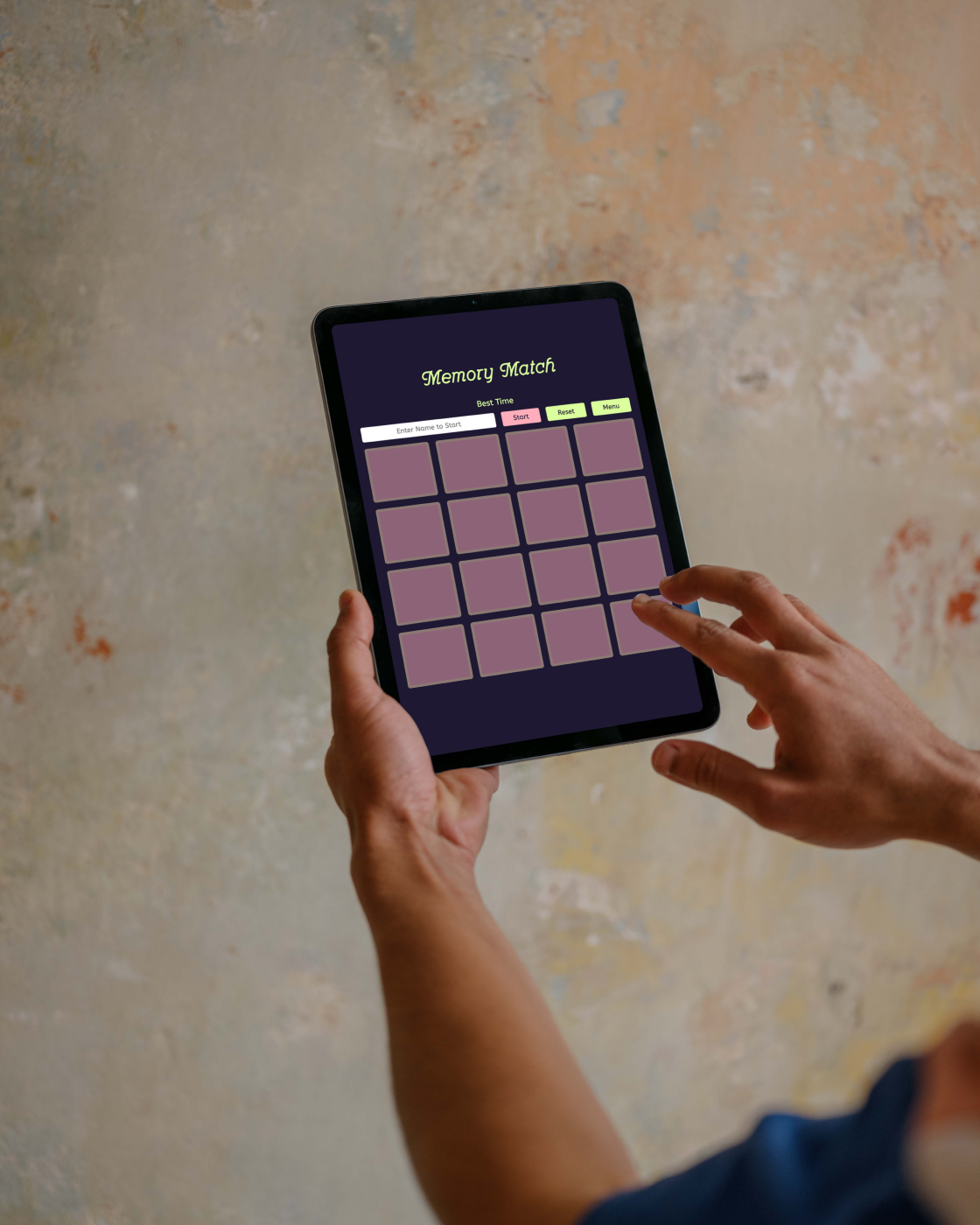
Memory Match is a browser-based card game that explores how real-time API integration transforms traditional memory mechanics into procedurally generated experiences.

Abstract
Memory Match is built with vanilla JavaScript, the application fetches animal imagery from Dog CEO and RandomFox APIs to create unique card decks per session, eliminating static content limitations. The interface supports multimodal interaction through keyboard and mouse input, implements responsive design for cross-device compatibility, and persists player performance via browser local storage.
Challenge
From Static Assets to Dynamic Content Generation
Traditional memory games rely on pre-authored image sets, limiting replay value once patterns are memorized. This project investigates whether external API integration can generate non-deterministic content while maintaining game mechanics and visual consistency.
Technical Constraints:
Asynchronous Data Retrieval Network latency introduces unpredictability. The application must handle parallel API requests, preload images to prevent visual flickering, and gracefully manage request failures without blocking the user interface.
API Architectural Differences Dog CEO returns multiple images per request, while RandomFox provides single images. The system must abstract these differences into a unified deck-building interface that maintains consistent card generation logic regardless of data source.
State Management Complexity Real-time gameplay requires tracking card reveal states, match validation, keyboard navigation position, timer progression, and completion conditions—all while maintaining UI responsiveness across simultaneous user inputs.
Accessibility Without Framework Dependencies Implementing comprehensive keyboard navigation in vanilla JavaScript requires manual grid traversal logic, focus management, and visual feedback systems typically provided by component frameworks.
Solution
System Architecture
The application separates concerns into three modules: HTML5 semantic structure, CSS presentation with animation systems, and JavaScript logic managing API communication, state transitions, and DOM manipulation.

API Integration Strategy
Parallel Request Handling
For RandomFox's single-image endpoint, the system executes parallel fetch operations using Promise.all(), retrieving eight images simultaneously to minimize total load time:
const requests = Array.from({ length: count }, () => fetcher());
const results = await Promise.all(requests);
For Dog CEO's batch endpoint, a single request retrieves all required images, reducing network overhead.
Image Preloading Protocol
To prevent layout shifts and visual inconsistencies during card flips, the application preloads all images before rendering the game board:
function preloadImages(urls) {
    return Promise.all(urls.map(src => new Promise((resolve, reject) => {
        const img = new Image();
        img.onload = () => resolve();
        img.onerror = () => reject(new Error(`Failed to load ${src}`));
        img.src = src;
    })));
}
This ensures cards display immediately when flipped, maintaining the illusion of instant feedback.
Error Recovery
Network failures trigger a retry overlay with explicit user control, avoiding silent failures that leave players with non-functional interfaces. The system distinguishes between loading states, error states, and ready states through centralized status management.
Game Logic Implementation
Card Pair Generation
Each card object contains:
id: Unique identifier for DOM mappingpairKey: Shared identifier for match validationimageUrl: API-sourced imagery or fallback icon referencerevealed/matched: Boolean state flags
The Fisher-Yates shuffle algorithm ensures cryptographically unbiased randomization, preventing predictable card positions across sessions.
Match Validation System
When two cards are flipped, the system compares their pairKey values. Matched pairs remain visible and ignore subsequent input; non-matching cards flip back after a 1-second delay, maintaining visual feedback duration long enough for pattern recognition but short enough to sustain game pace.
Timer Precision
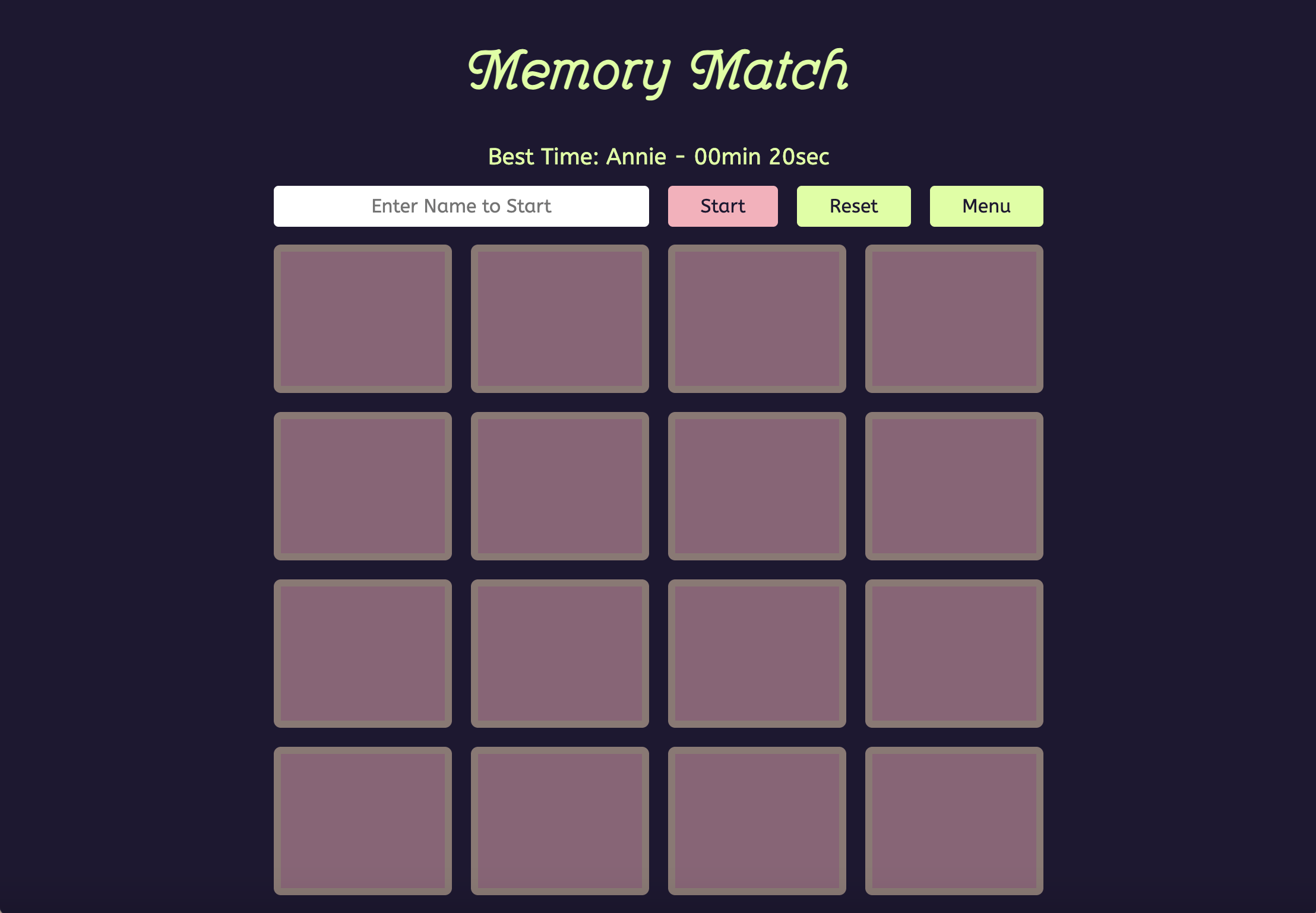
The timer initializes on first card flip (not page load), measuring active gameplay duration. Completion time is stored in localStorage keyed by player name, enabling persistent leaderboard functionality without server infrastructure.
Interaction Design
Keyboard Navigation System
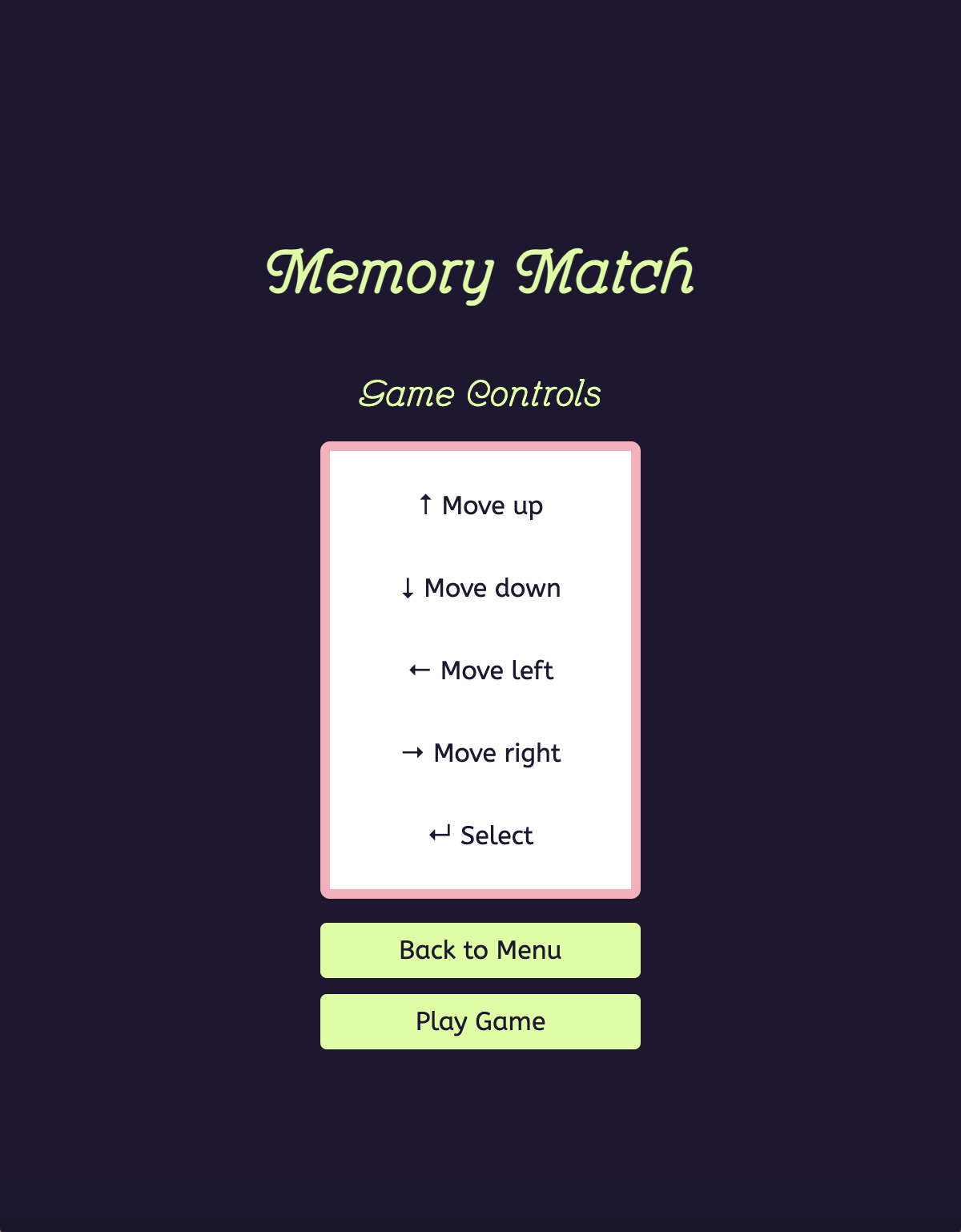
Arrow keys traverse the card grid in two dimensions. The system maps keyboard input to linear array indices, calculating boundary conditions to prevent invalid movements:
// Left boundary check
if (selectedCardIndex % BOARD_COLUMNS !== 0) {
    newIndex = selectedCardIndex - 1;
}

// Up boundary check
if (selectedCardIndex >= BOARD_COLUMNS) {
    newIndex = selectedCardIndex - BOARD_COLUMNS;
}
Enter key triggers card flip on the currently selected position. A visual highlight (CSS border modification) indicates keyboard focus, synchronized with arrow key navigation.
Multimodal Input Reconciliation
Mouse and keyboard interactions operate on the same underlying state. Clicking a card clears keyboard selection, while arrow key press establishes keyboard mode. This prevents conflicting input states where visual focus diverges from interaction target.
Responsive Layout Strategy
CSS Grid provides a 4-column layout on desktop, automatically collapsing to 2 columns on tablet and single column on mobile via breakpoint media queries. Card dimensions scale proportionally to viewport width using relative units (vw, %), maintaining aspect ratio across device categories.
Animation Choreography
Card flips use CSS 3D transforms (rotateY(180deg)) with hardware acceleration, achieving smooth 60fps transitions. A 0.6-second duration balances perceived responsiveness with readability of revealed imagery. Staggered delays on bulk operations (board initialization, reset) create visual rhythm rather than abrupt state changes.

Theme System Architecture
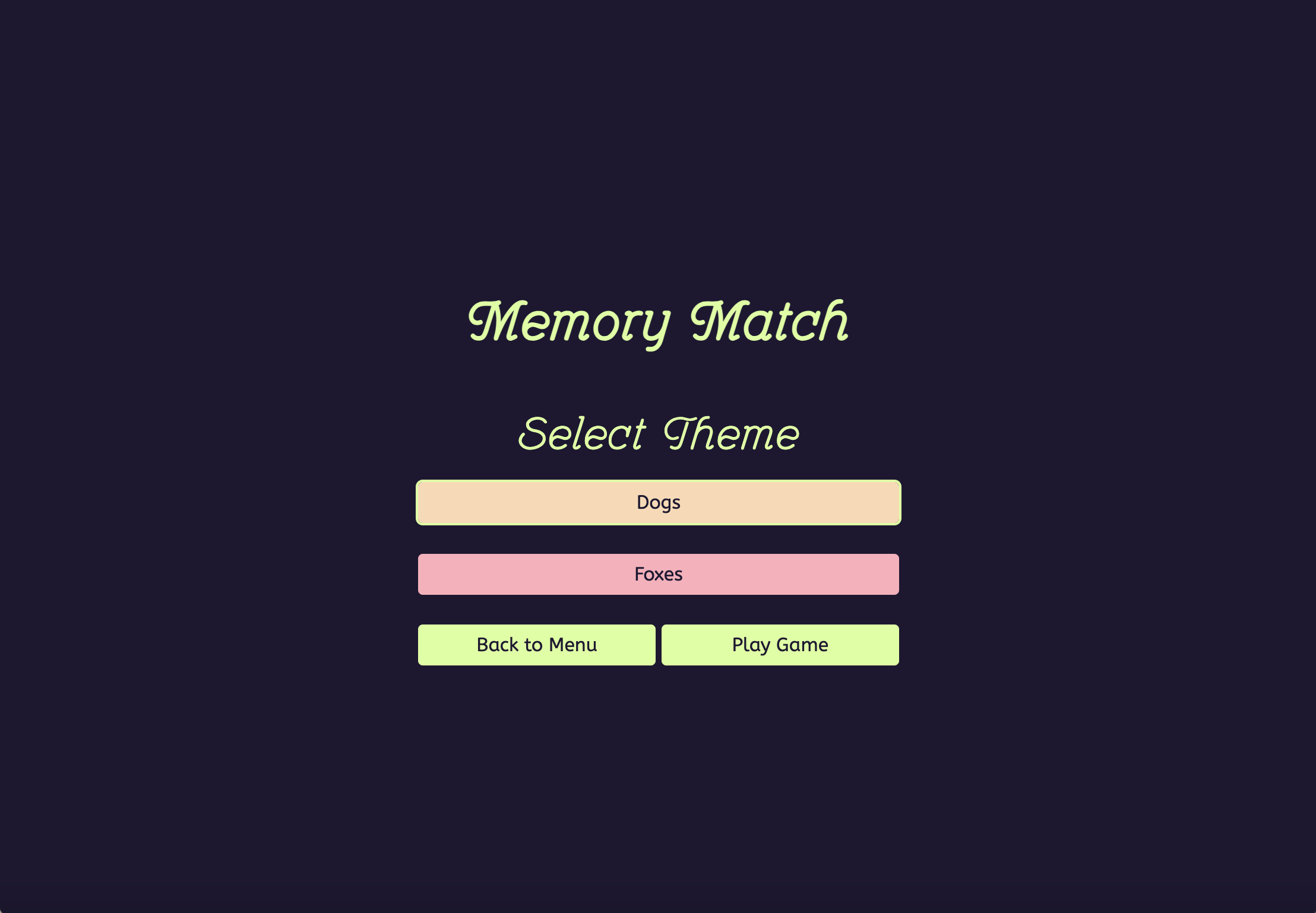
The theme selector uses a builder pattern, mapping theme identifiers to API-specific deck construction functions:
const THEME_BUILDERS = {
    [THEMES.DOGS]: buildDogDeck,
    [THEMES.FOXES]: buildFoxDeck
};
Each builder abstracts API differences while returning a standardized deck format, enabling extensibility—new themes require only additional builder functions without modifying core game logic.
Themes include distinct color palettes and audio signatures triggered on game completion, reinforcing thematic coherence through multimodal feedback.
Performance Optimizations
Event Delegation
Rather than attaching click listeners to each card individually (16 listeners per game), the system uses event delegation on the board container, checking event.target to identify clicked cards. This reduces memory overhead and accelerates DOM manipulation during board resets.
State Centralization
A single gameState object maintains game status (loading, ready, completed), preventing race conditions where UI elements respond to stale state. All state transitions update this central source before triggering UI changes.
DOM Caching
Frequently accessed elements (board container, status display, timer) are cached in variables at initialization, avoiding repeated getElementById calls during gameplay loops.
Technical Implementation Details
Data Processing Pipeline
Theme Selection
    ↓
API Request (parallel for Fox, batch for Dog)
    ↓
Image Preloading (Promise.all validation)
    ↓
Deck Construction (pair generation + shuffling)
    ↓
DOM Rendering (dynamic element creation)
    ↓
Event Listener Attachment
    ↓
Game Ready State
Development Methodology
Iterative Refinement
Initial implementation used synchronous image loading, causing visible flicker during card flips. Profiling revealed render-blocking behavior, prompting the preloading system. Similarly, early keyboard navigation applied focus to DOM elements, creating accessibility conflicts; the current implementation uses CSS classes for visual indication without disrupting focus management.
Cross-Browser Testing
Compatibility validation across Chrome, Firefox, Safari, and Edge identified vendor-specific CSS transform behavior. The solution standardizes transform origin points and explicitly defines backface visibility to ensure consistent flip animations.
Responsive Breakpoint Selection
Breakpoints were determined empirically by testing card legibility at various viewport widths. The 768px tablet threshold emerged from measuring optimal card size-to-tap-target ratios, while the 480px mobile threshold accommodates minimum readable dimensions for animal imagery.
Outcome
What Works
Procedural Content Generation API integration successfully eliminates content predictability. Each session presents novel imagery, sustaining engagement across repeated plays without additional asset authoring.
Accessible Interaction Model Comprehensive keyboard support enables motor-diverse interaction patterns. Arrow key navigation maintains grid coherence, and visual selection indicators provide clear feedback without relying solely on mouse hover states.
Performance Consistency Image preloading eliminates visual artifacts. Hardware-accelerated animations maintain 60fps across device categories. Event delegation scales efficiently to larger deck sizes without degrading responsiveness.
Data Persistence LocalStorage implementation preserves player statistics across sessions without authentication overhead, reducing friction for casual gameplay while maintaining personalized experiences.
Limitations and Future Directions
Static Difficulty Scaling Eight-pair deck size is fixed. Adaptive difficulty could adjust pair count based on completion time trends, maintaining challenge equilibrium across skill levels.
Limited Theme Extensibility Adding new themes requires manual integration. A configuration-driven approach would enable runtime theme registration without code modification.
Technical Learnings
Promise-Based Asynchronous Patterns Managing parallel API requests reinforced understanding of Promise composition, error propagation, and race condition prevention in asynchronous workflows.
Accessibility Implementation Complexity Building keyboard navigation without framework abstractions revealed the nuance of focus management, spatial movement logic, and screen reader compatibility—often taken for granted in component libraries.
State Management Discipline Centralizing game state proved essential for maintaining UI consistency. Distributed state (multiple variables tracking related conditions) introduced bugs when updates occurred out of sequence.
Technical Stack
Languages: HTML5, CSS3, JavaScript (ES6+) APIs: Dog CEO API, RandomFox API Browser APIs: Fetch API, Web Storage API, DOM API Libraries: Font Awesome (icons), Google Fonts (ABeeZee, Tourney) Development Tools: Visual Studio Code, Git, Browser DevTools
Links
Live Demo: [Deployment URL] Source Code: [GitHub Repository] Documentation: [Supplementary Materials]